Installation and Setup
The Vimotis Lab App is distributed as a Windows desktop application. The latest version of the software can be accessed from the Vimotis software downloads page.
First-Time Setup Sequence
- Install the Vimotis Lab App using the latest release package.
- Confirm that any required hardware drivers or vendor utilities are also installed.
- Connect the Vimotis unit to the install computer via USB before launching the application, and ensure the install computer is connected to the internet.
- Launch the application and allow it to complete any first-run initialization.
Verify that the application can communicate with the license server and the hardware. The app launch splash screen will indicate when the license is verified (Fig. 1).
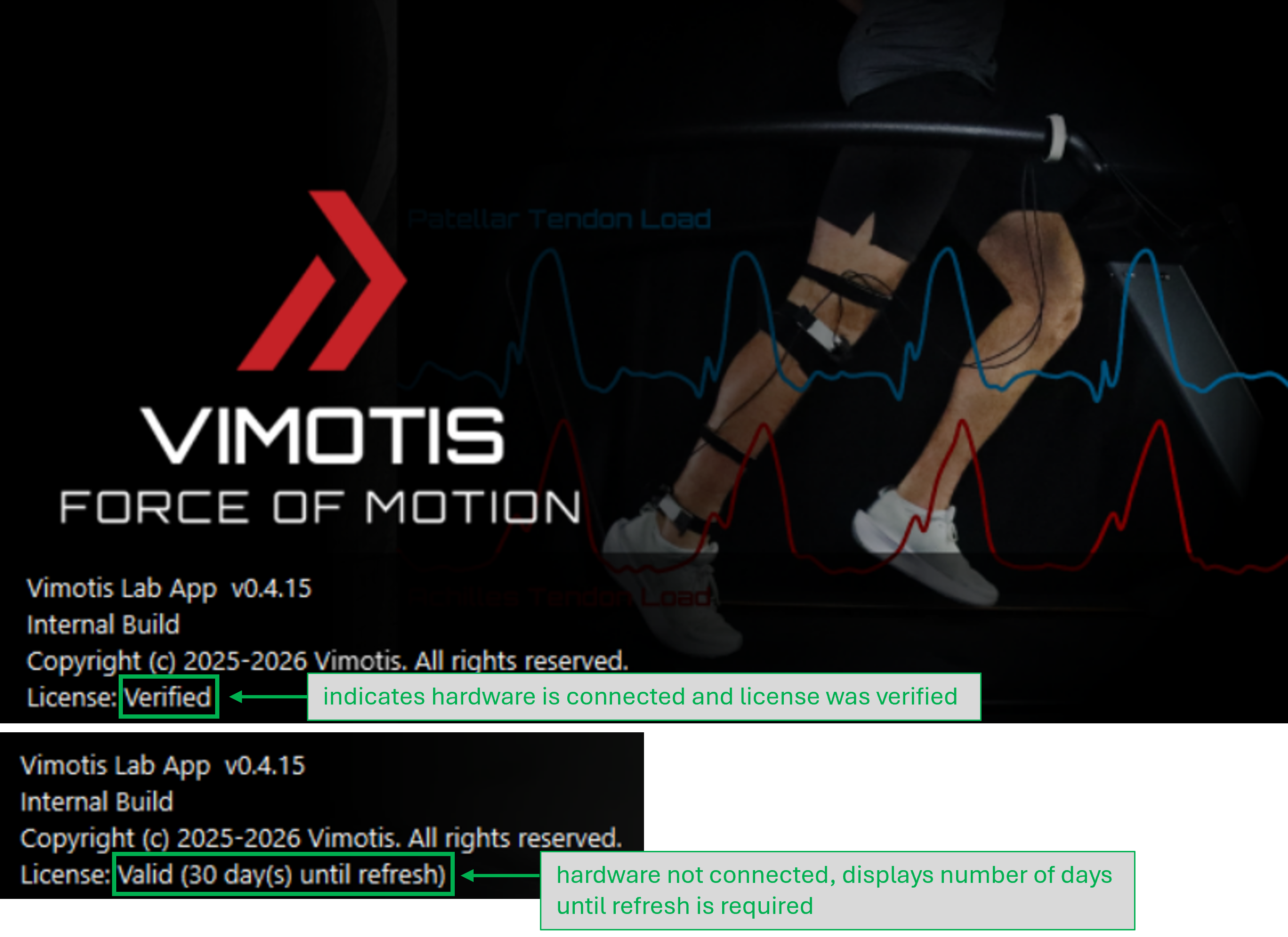
Figure 1: Splash screen license information. If the hardware is detected, a confirmation message will appear in the bottom-left of the main application window (Fig. 2).
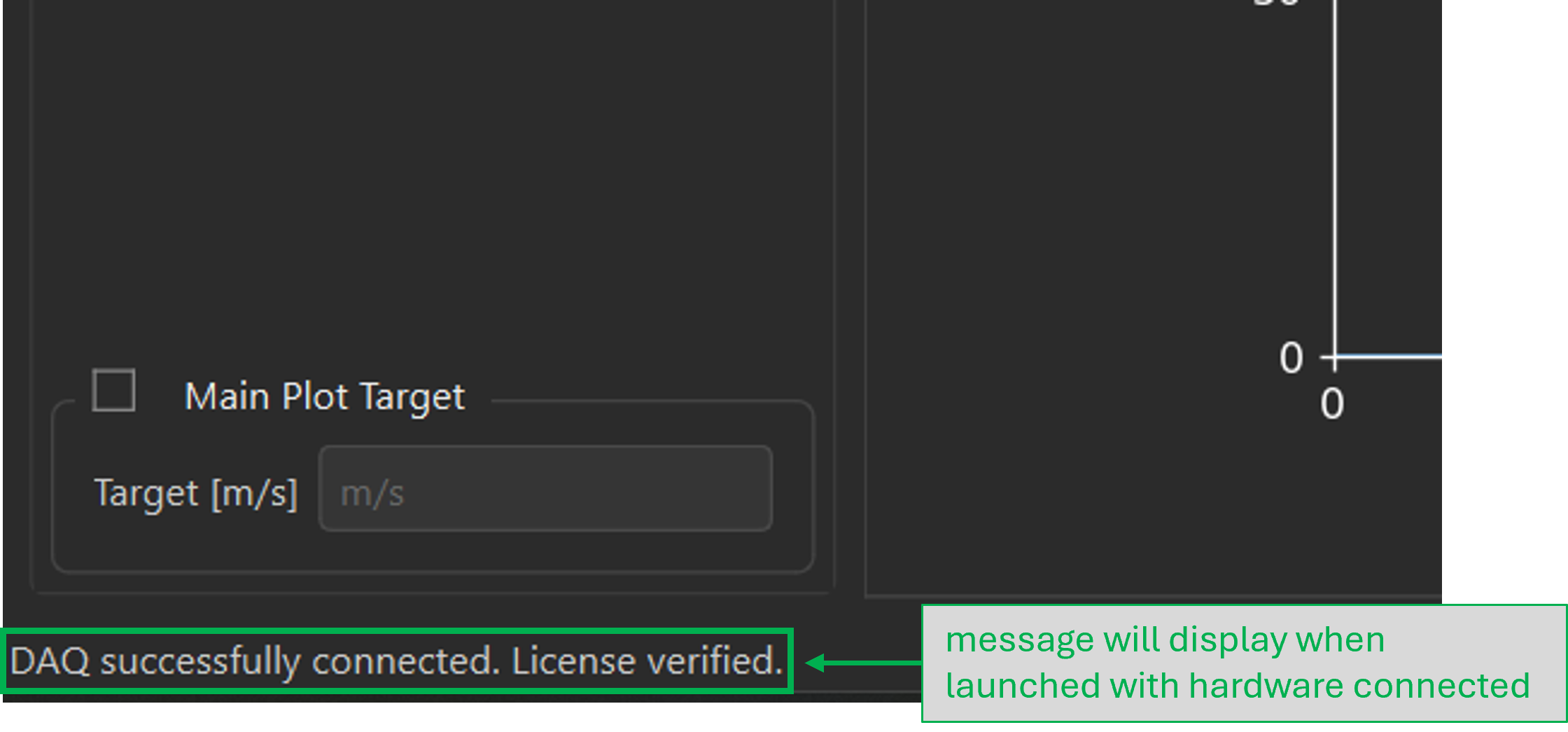
Figure 2: In-app message showing hardware connected - Run a short test recording before beginning formal data collection. Data files are stored with the .h5 extension to the selected working folder.
Licensing Behavior
The Vimotis software entitlement is tied to the licensed Vimotis hardware. During activation and license validation, the software verifies the entitlement using the connected hardware and the license server. Internet access is required for activation and later license validation, but ordinary operation does not require internet access after successful validation except when validation, updates, support, or other online features are needed.
After the software successfully validates with the licensed hardware connected, it may be used without that hardware connected for up to 30 days. Each successful launch or validation with the licensed hardware connected refreshes that offline operation period.